How to send parcels online?


Online Express Service Handbook

- Before sending a parcel, we strongly recommend you to read the list of prohibited/restricted items carefully.
- For pick-up service, pleased be advised that FedEx do not carry both company and personal documents except presswork, such as magazines and books. Please contact other couriers for delivery services to SFC.
 
Operation Steps

1. Shipping Fee Inquiry
- In the top of SFC homepage, enter the initial sending place, the destination, the package size, and the weight in the parcel volume tool to calculate the shipping fee. It is a useful tool as you will be able to find the right deal that matches the size of your parcel.
- Since the size and weight of a package affect its shipping fee, please make sure both size and weight are accurate. 
- The pick up service fee is charged based on your location. When you are ready to place an order, you can choose any couriers to send your package to SFC Parcels Processing Center. (The address details will be explained in “Order Confirmation” page.)
- If your city is not listed here, please select “others” and the system will take it as you will drop the parcel off in SFC parcels processing Center.


2. Select shipping methods
- We provide you a list of reputable couriers. Choose your preferred one based on its shipping fee, delivery time, and the tracking service, then click "Buy Now". 


3. Submit Shipping Address
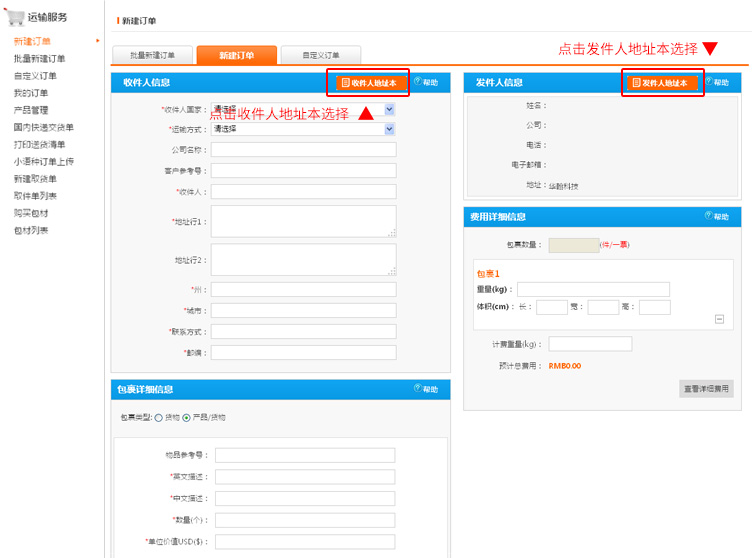
- To ensure delivery quality, please complete both sender and recipient’s address information accurately.
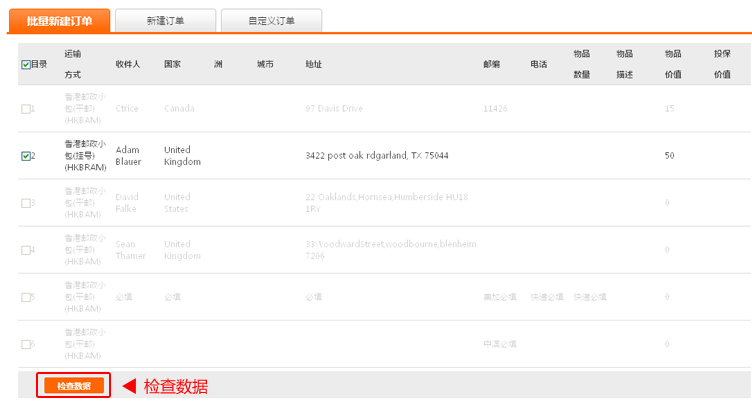
- Besides the address information, you are also required to complete information, such as, item description, item quantity and valuation of goods for customs purposes.
- You are required to complete information that has a “*” sign.


4. Order Confirmation
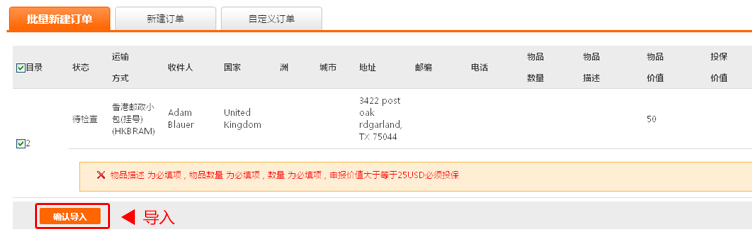
- When you have completed all information, please view every detail carefully. Click on the icon button under action for modification. 
- When you are ready to confirm your request and submit it for processing, click on the “Submit Now” button.  If you wish to add more parcels, click on the “Add Another Parcel” button to complete an new order form.    
- Domestic Pick Up Service. If your city is not listed here, you can choose any domestic couriers to send the parcel to SFC. If you tick the box beside “Drop Off”, you will see the address of SFC Parcels Processing Center.


5.  Printing labels
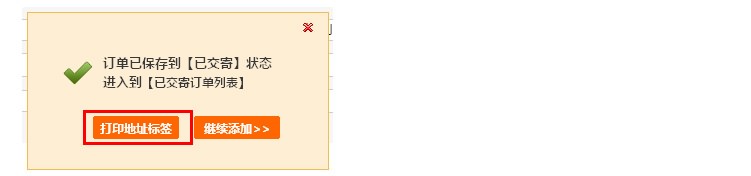
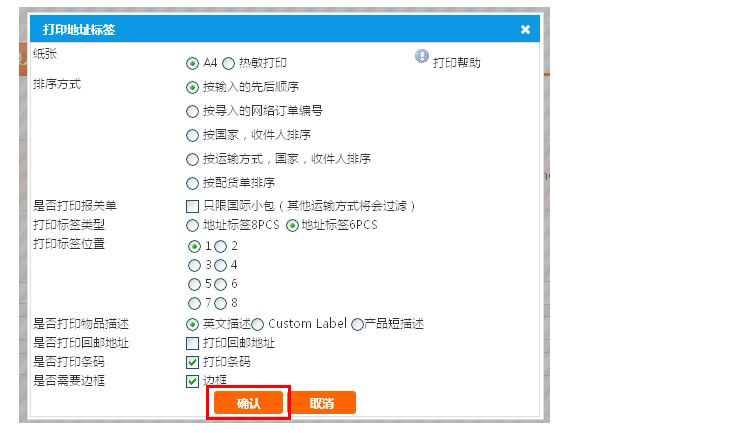
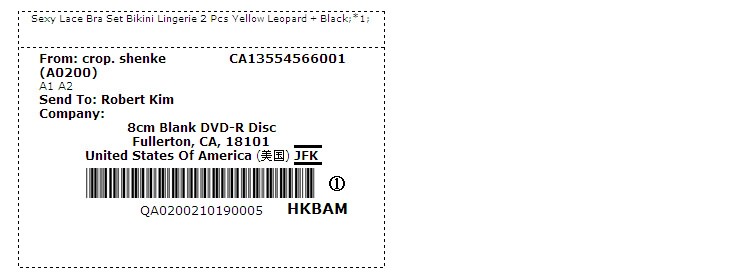
- You can print the address label after you submit the payment. 
- We ship more than 10,000 packages to different countries daily. We sort these packages based on its address labels. So, please stick the address label on your parcel. 
- If your printer is not able to print, please write the user code, for example, Z0VL, and package code, QZ0VL1005130001 as clearly as possible on your package. 


6.  Payment
- Our system allows the following Payment Currency: CNY(with Alipay);  US Dollars, Euro, GB Pound, Canadian Dollar, Australian Dollar, and HK Dollar(with PayPal).  


7. Tracking Package
- Please login your Email Address that you provided on the "Submit Shipping Address" page to obtain your account number and password. Use the account number and password to track your package.
- You may also track your package by entering the barcode number on your address label.

Connect With Us:
Follow sendfromchina on Twitter
DiggThis
Exchange Rate: 1 USD = 6.7186 CNY